No Recoil
Tighter sprays on common ARs

At a glance
Key capabilities
What No Recoil focuses on before you open the full module list.
Plus 1 additional modules in the operator portal—see the full list below.
Overview
No recoil with room to tune
How this build fits ranked, Turbo, and patch-day workflows.
No recoil for Apex Legends keeps common AR sprays tighter. The useful approach is moderate strength on the guns you main, not maximum values on every weapon.
Combine with a calm aimbot FOV if you want tracking and spray control together.
Tuning no recoil
Start with low strength on the guns you actually use. Max strength can feel obvious and harder to control when you swap weapons mid-fight.
Pairs well with aimbot
Many players combine moderate no recoil with a calm [aimbot](/products/apex-legends-cheats/aimbot/) FOV instead of pushing either module to the limit.
Modules
What's included
Every module and overlay shipped with No Recoil—toggle and tune in the operator portal.
- No recoil
- Per-weapon strength
- AR spray presets
- Pairs with aimbot
- Pub profile
- Ranked profile
- Cloud config backup
Experience
In the client · After you buy
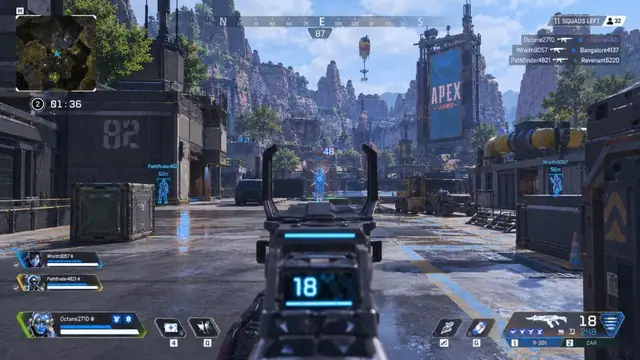
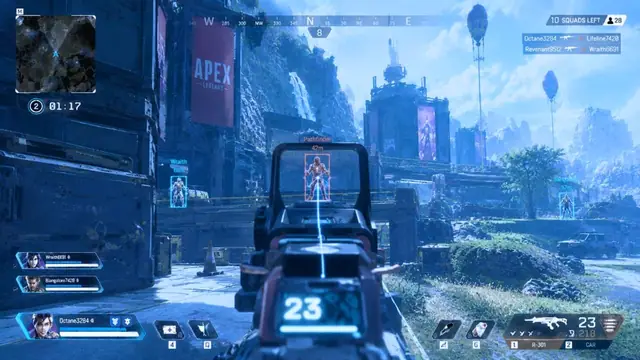
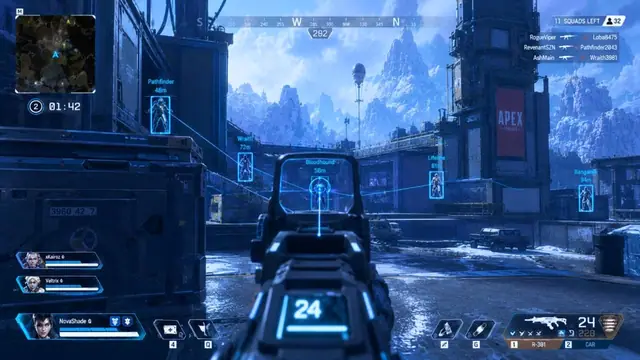
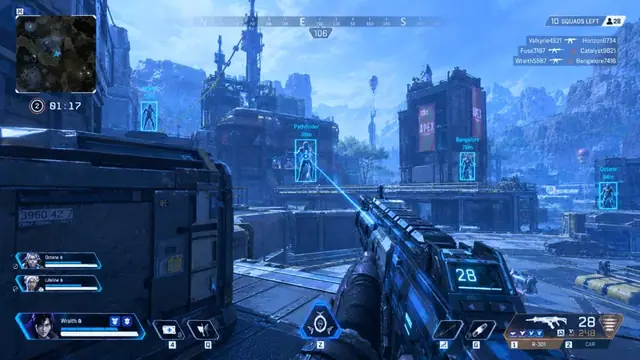
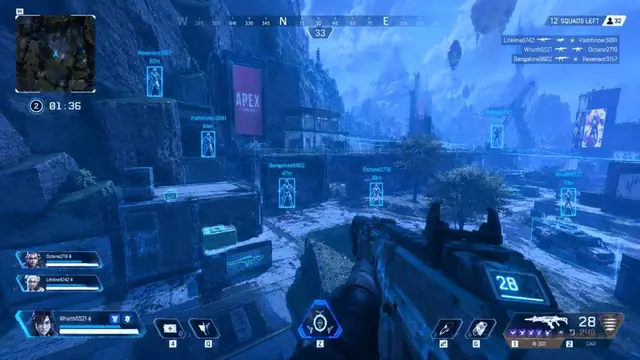
Use the screenshots above for No Recoil—below is what each layer means and how access works after checkout.
In-game layers
- Layer A
No recoil ADS
Controlled spray while tracking a highlighted target.
- Layer B
No recoil menu
No recoil, stable aim, and accuracy toggles mid-fight.
- Layer C
Recoil tracking
Steady AR tracking with ESP distance tags.
Blogs
Guides about No Recoil
Setup tips, ESP tuning, and buy guides that match this module.
Per-weapon no-recoil strength that stays controllable in real fights.
How to set aimbot FOV and smoothness so tracking feels natural instead of sticky.
What APEX HACK includes, how to pick 1 week, 1 month, or lifetime, and what to check before you pay.
Free Apex hack downloads come with hidden costs. Here is what a paid APEX HACK plan covers.
How to tune Apex Legends player ESP boxes, health bars, and distance so the overlay stays clean.
Read the delivery email, update Windows, and launch APEX HACK once before changing aimbot or ESP settings.
FAQ
Questions about this page
Answers tied to what you are reading—visit the FAQ page for every topic.