Stream Proof
Hide overlays from OBS

At a glance
Key capabilities
What Stream Proof focuses on before you open the full module list.
Plus 1 additional modules in the operator portal—see the full list below.
Overview
Stream-proof capture for creators
How this build fits ranked, Turbo, and patch-day workflows.
Stream-proof mode keeps cheat overlays on your monitor while capture software records a clean feed. Test with a local recording before you go live.
Toggle per module if you only need ESP hidden while other UI stays visible on your screen.
What stream proof does
Stream-proof mode keeps overlays on your monitor while OBS and similar capture tools record a clean game feed.
Always test locally
Record a short clip with your real scene before going live. Preview windows alone are not enough.
Modules
What's included
Every module and overlay shipped with Stream Proof—toggle and tune in the operator portal.
- Stream-proof mode
- OBS-friendly capture
- Game capture tests
- Per-module hide
- Local recording checklist
- Works with ESP and aimbot
Experience
In the client · After you buy
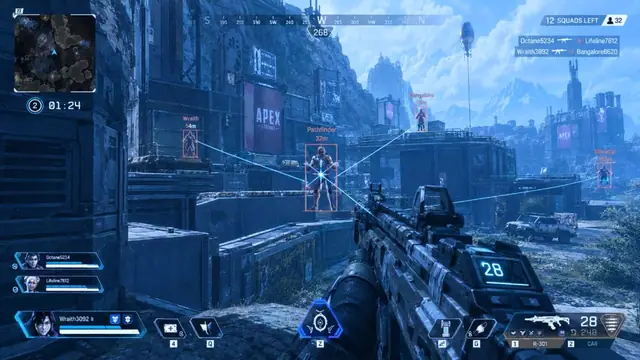
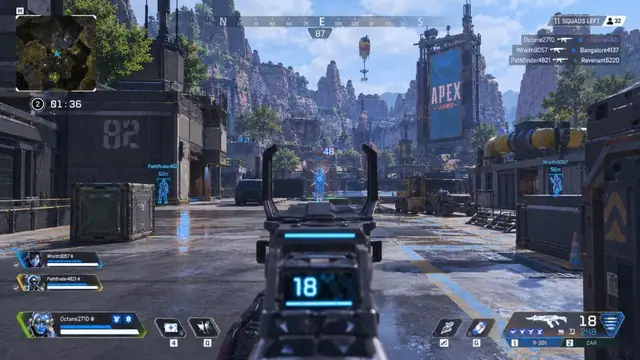
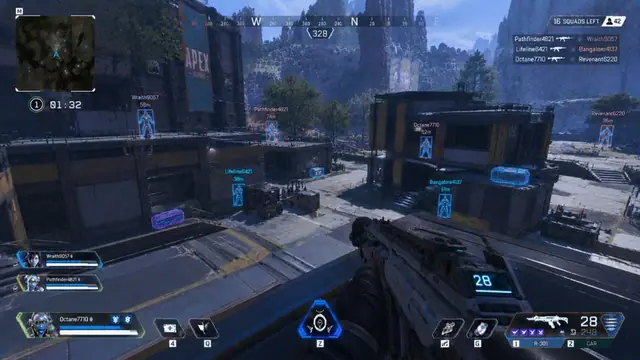
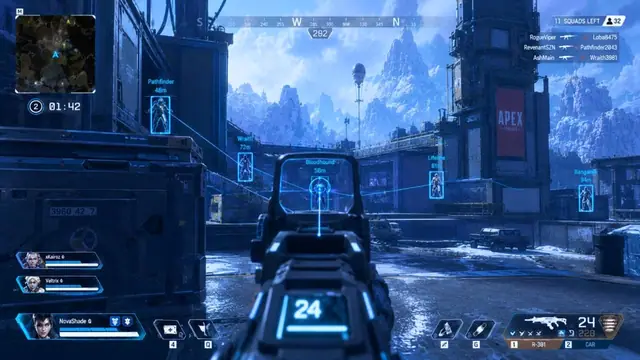
Use the screenshots above for Stream Proof—below is what each layer means and how access works after checkout.
In-game layers
- Layer A
X-ray aim view
Through-structure ESP with aim assist and loot glow.
- Layer B
Aimbot lock
Target lock with ESP boxes during an ADS fight.
- Layer C
Valley wallhack
Long-range ESP boxes and loot outlines from high ground.
Blogs
Guides about Stream Proof
Setup tips, ESP tuning, and buy guides that match this module.
A practical OBS checklist so cheat overlays stay off your VOD.
Read the delivery email, update Windows, and launch APEX HACK once before changing aimbot or ESP settings.
Why waiting after an Apex update is the right call before you launch APEX HACK aimbot or ESP.
What APEX HACK includes, how to pick 1 week, 1 month, or lifetime, and what to check before you pay.
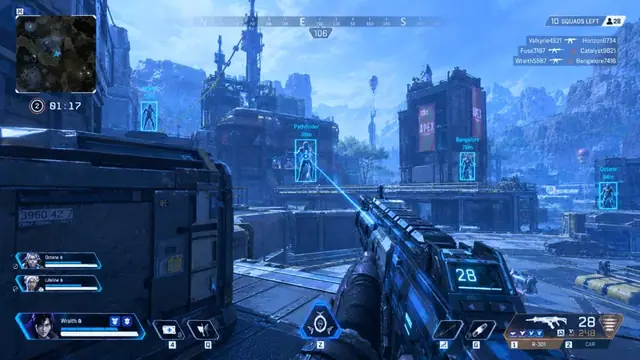
Free Apex hack downloads come with hidden costs. Here is what a paid APEX HACK plan covers.
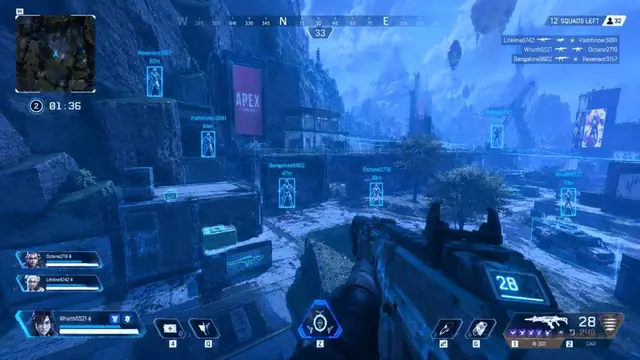
How to tune Apex Legends player ESP boxes, health bars, and distance so the overlay stays clean.
FAQ
Questions about this page
Answers tied to what you are reading—visit the FAQ page for every topic.