Loot ESP
Weapons and attachments through walls

At a glance
Key capabilities
What Loot ESP focuses on before you open the full module list.
Plus 2 additional modules in the operator portal—see the full list below.
Overview
Loot ESP for faster POI paths
How this build fits ranked, Turbo, and patch-day workflows.
Loot ESP marks weapons, shields, and attachments through walls so you can plan a loot path instead of checking every container.
Filter low-value noise if the screen gets busy. Most players keep high-tier guns and shields on, then expand later.
When loot ESP helps
Loot ESP is for players who want weapons, shields, and attachments marked through walls so they spend less time opening empty bins.
Filter the noise
Turn off common clutter if the screen gets busy. Keep high-value weapons and shields first, then expand filters once you are comfortable.
Modules
What's included
Every module and overlay shipped with Loot ESP—toggle and tune in the operator portal.
- Loot ESP
- Weapon labels
- Attachment tags
- Shield highlights
- Heal markers
- Filter common clutter
- POI clear presets
- Cloud config backup
Experience
In the client · After you buy
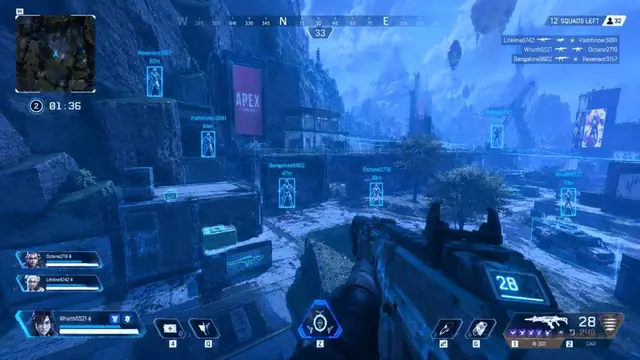
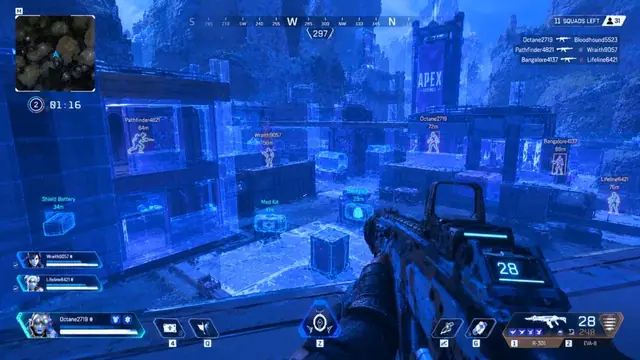
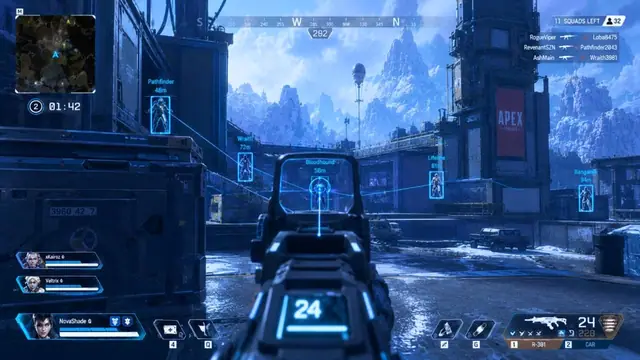
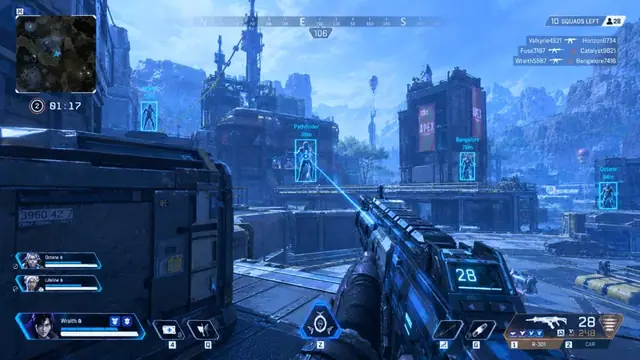
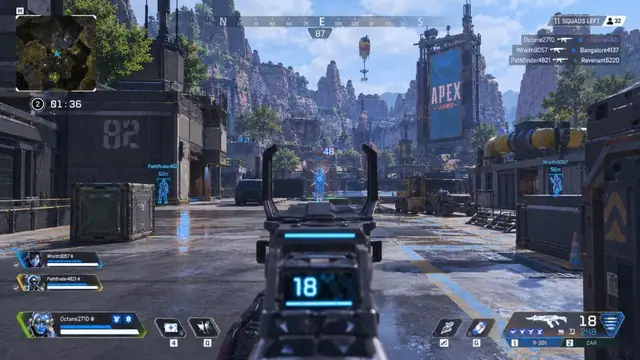
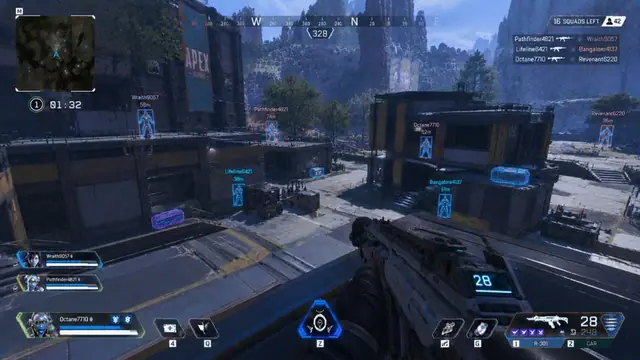
Use the screenshots above for Loot ESP—below is what each layer means and how access works after checkout.
In-game layers
- Layer A
Wallhack + loot
Through-wall enemies plus loot and supply bin tags.
- Layer B
Canyon ESP
Readable player and loot ESP across open ground.
- Layer C
ESP + snapline
Player ESP paired with a blue aim assist line.
Blogs
Guides about Loot ESP
Setup tips, ESP tuning, and buy guides that match this module.
How to tune Apex Legends player ESP boxes, health bars, and distance so the overlay stays clean.
Clear differences between wallhack and ESP so you enable only what you need.
What APEX HACK includes, how to pick 1 week, 1 month, or lifetime, and what to check before you pay.
Free Apex hack downloads come with hidden costs. Here is what a paid APEX HACK plan covers.
Read the delivery email, update Windows, and launch APEX HACK once before changing aimbot or ESP settings.
Why waiting after an Apex update is the right call before you launch APEX HACK aimbot or ESP.
FAQ
Questions about this page
Answers tied to what you are reading—visit the FAQ page for every topic.